 DevOps Studio
Audit log
Anything the app runs on your servers is written to a local audit log: shell commands, file transfers, agent tool calls, and scheduled job runs. The log lives on your machine — it is not uploaded.
Open the audit log
Select Audit in the sidebar.
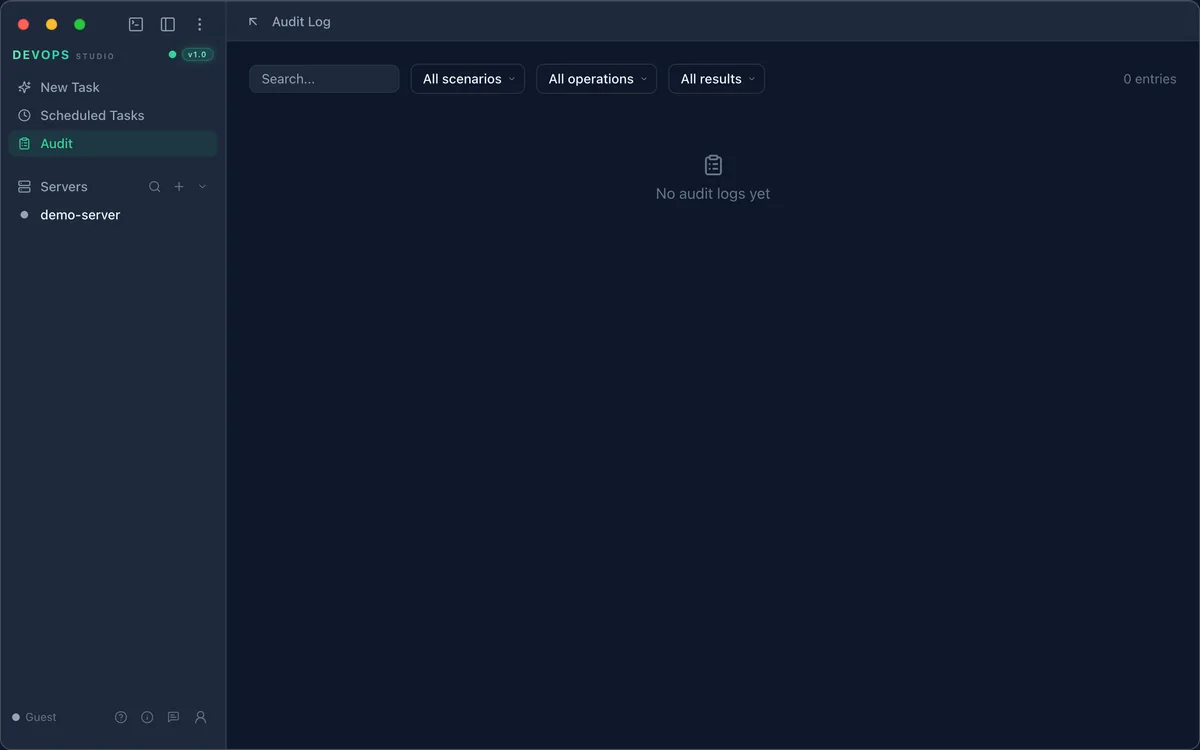
A fresh install shows 0 entries. Entries appear as soon as you run a command or connect
a server.
Read an entry
Each row answers four questions:
| Column | Meaning |
|---|---|
| Operation | What ran — shell_exec, file transfer, and so on |
| Result | success or a failure, with the exit summary |
| Duration | Wall-clock time in milliseconds |
| Time | When it happened |
| Detail | Target server, the exact command, and its output summary |
Filter
Three filters sit at the top of the page:
- Scenario — the domain the action belongs to (server, database, kubernetes)
- Operation —
shell_exec, file transfer, and so on - Result — successes, failures, or both
Filters combine. To trace a scheduled job, search the Detail column for its command — every
run writes the exact command it executed, so a job that runs
df -hP | awk 'NR==1 || int($5) > 80' is identifiable by that string.
Retention
The log is append-only and stored locally. Rotate or archive it if you need to keep the history bounded — see Data and privacy for where the files live.