 DevOps Studio
Schedule recurring jobs
Scheduled tasks run unattended: on a cron expression, at a fixed interval, or once at a future time. Each run is an agent session with the instructions you write, so anything you can do in a conversation you can also schedule.
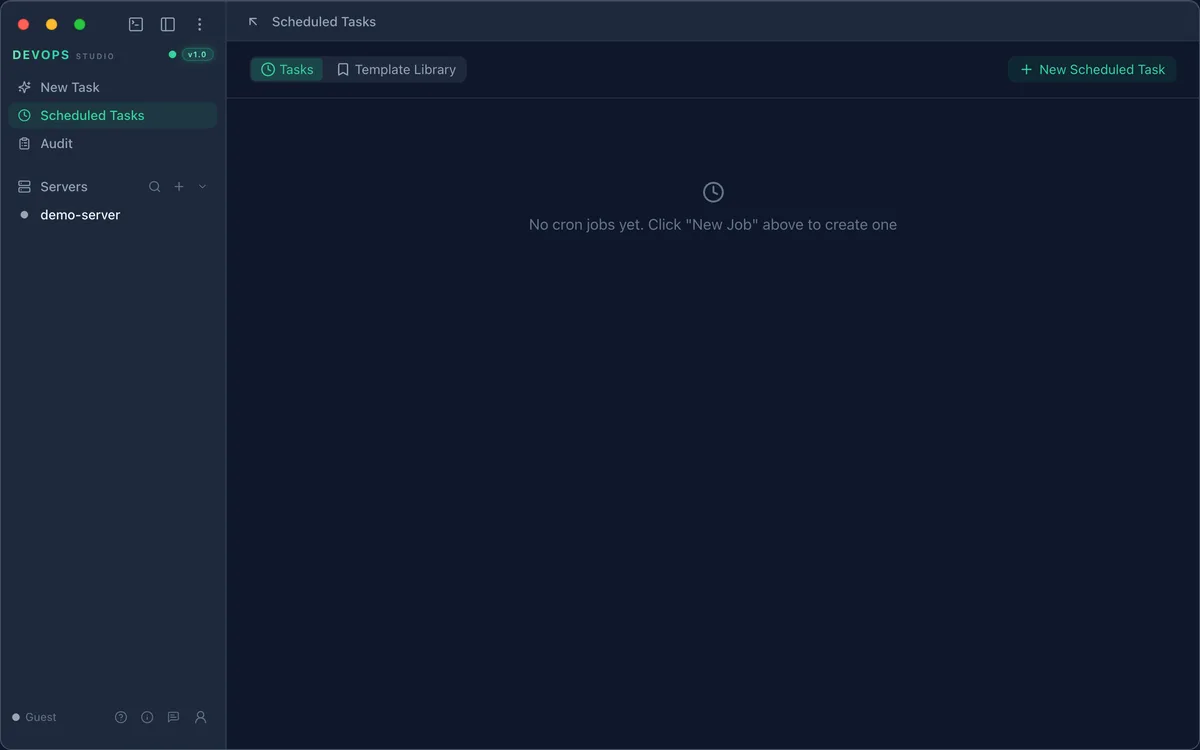
Open Scheduled Tasks
Select Scheduled Tasks in the sidebar. The page has two tabs:
- Tasks — jobs you have created
- Template Library — pre-built jobs you can add in one click
Create a job
Click + New Scheduled Task and fill in the form.
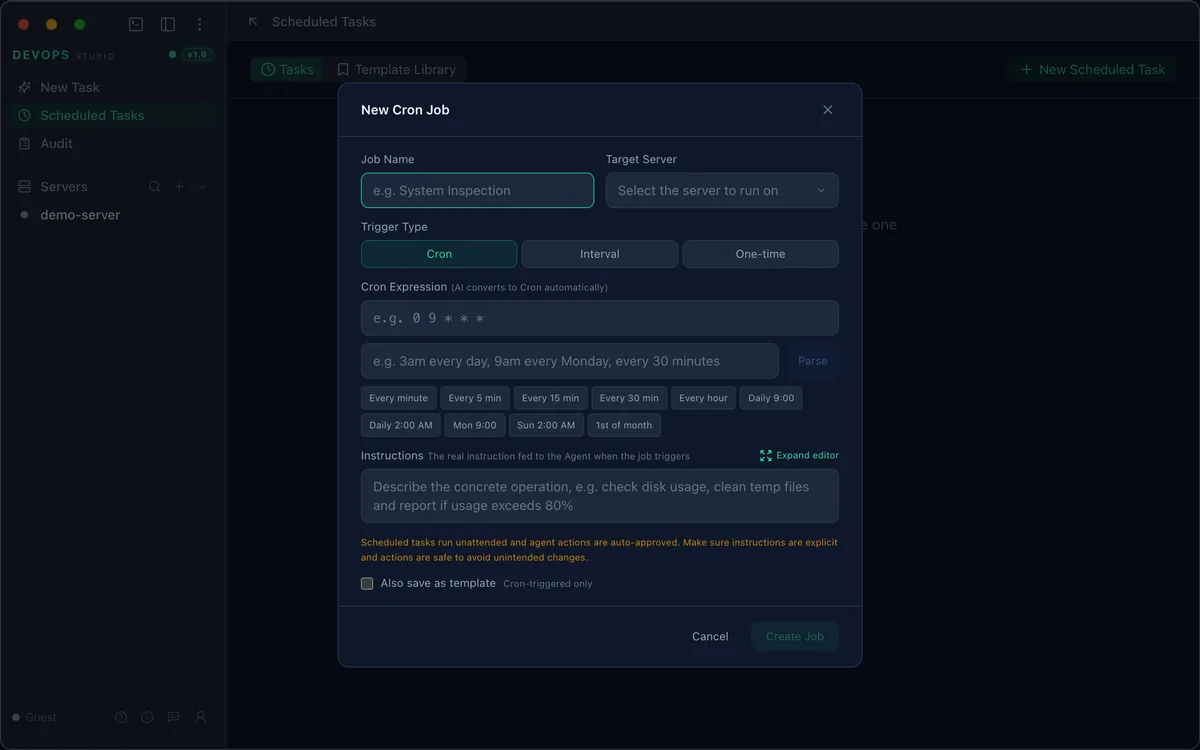
| Field | What it does |
|---|---|
| Job name | A label shown in the task list |
| Target server | Which connected server the job runs against |
| Trigger type | Cron, Interval, or One-time |
| Cron expression | A standard five-field expression, e.g. 0 9 * * * |
| Instructions | The prompt handed to the agent when the job fires |
Trigger types
Cron follows the standard five-field syntax — minute, hour, day of month, month, day of week. You do not have to write it by hand: type a sentence in the box below the expression and click Parse, or use one of the presets (Every minute, Every 5 min, Every hour, Daily 9:00, Mon 9:00, 1st of month, and so on).
Interval fires every N minutes or hours, counted from the previous run.
One-time fires once at a specific date and time, then stays inactive.
Instructions
Instructions are the actual prompt the agent receives. Be concrete about what to check and what to do with the result:
Check disk usage on all mounts. If any mount is above 85%, list the ten largest
directories under it and report the result. Do not delete anything.
Scheduled runs have no human in the loop, so agent actions are auto-approved. State limits explicitly — read-only unless you have decided otherwise — and avoid instructions that could match an unintended target.
Check Also save as template to reuse the same configuration later from the Template Library.
Review the results
Every run is recorded in the audit log with its duration and outcome. Open Audit and filter by scenario to follow a job over time.
To stop a job, open it from the task list and disable it. Disabled jobs keep their configuration and history.